
By Bal Kishan · Published September 29, 2026
This roundup covers the AI news this week, based on official company announcements and, where noted, our own hands-on testing during the week of September 21–28, 2026. Sources are linked throughout.
Artificial intelligence continues to move quickly, and the week of September 21–28, 2026 brought several important changes across the AI industry.
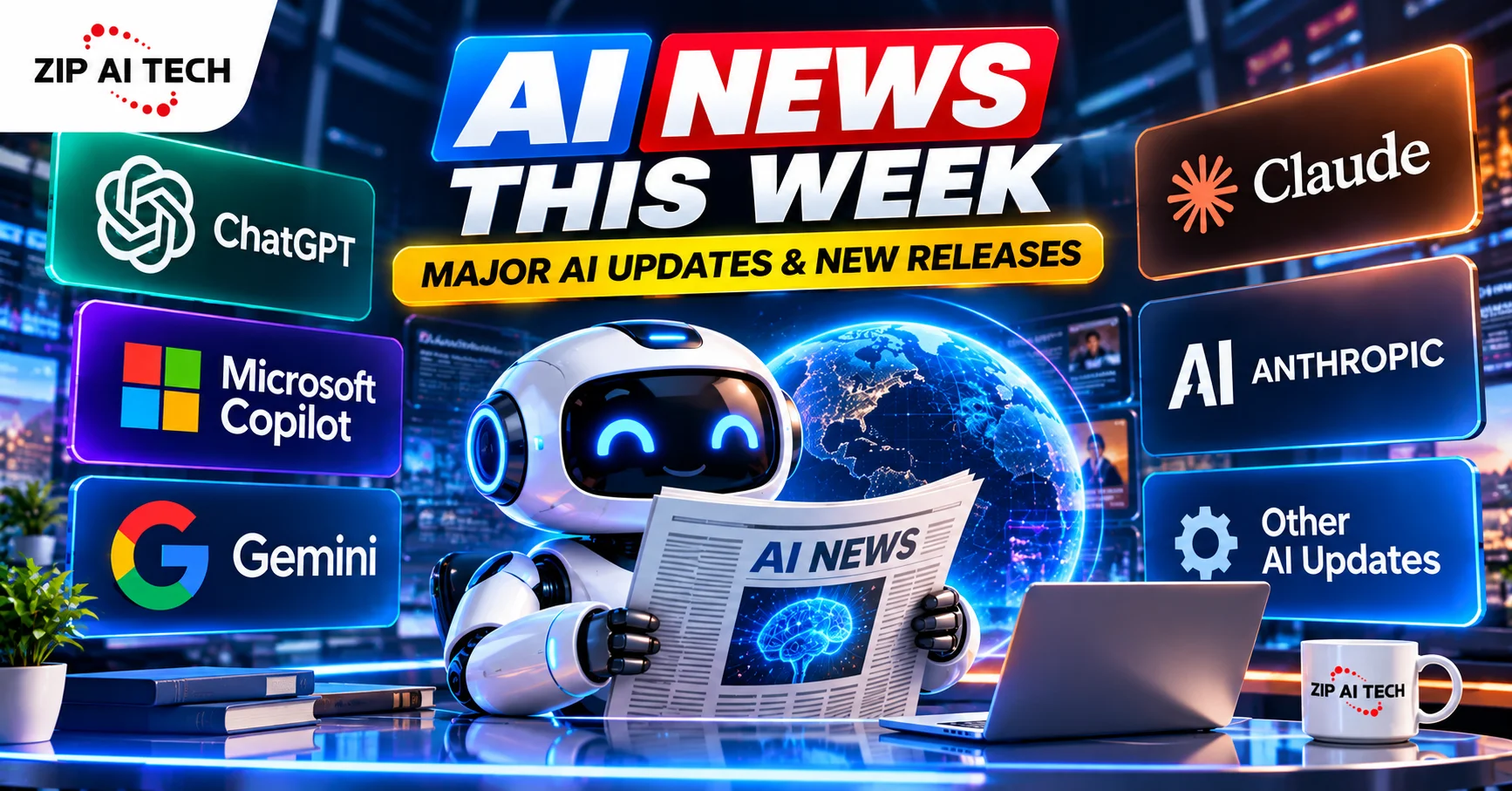
OpenAI introduced new ChatGPT features, Anthropic released Claude Opus 5.5, Google expanded Gemini with new Connected Apps and Live Avatar capabilities, Microsoft announced a redesigned Copilot experience, and Meta revealed new AI-powered glasses at Connect 2026.
These updates show a clear shift in the AI industry. Companies are moving beyond simple chatbots and building AI systems that can work across apps, create content, use tools, handle longer tasks, and interact with users in more natural ways.
This week we tested several of these releases ourselves where we could get access, and pulled the rest from each company’s own announcements. We’ve linked sources throughout so you can check the primary material yourself.
Quick Overview of This Week’s AI News
Here are some of the biggest AI developments from September 21 to September 28, 2026:
- Anthropic launched Claude Opus 5.5.
- Microsoft introduced a new Copilot experience with Home, Code, and Autopilot.
- Google expanded Gemini with new Connected Apps.
- Google has unveiled Gemini 3.8 Live, featuring its new Live Avatar capability.
- Meta announced new AI glasses and expanded its Muse AI agent.
- OpenAI added new ChatGPT features, including interactive flashcards and Security History.
- ChatGPT is now available directly inside Microsoft Word.
- AI agents and AI security remained important topics across the industry.
1. Anthropic Launches Claude Opus 5.5
On September 22, Anthropic unveiled Claude Opus 5.5, marking the launch of the first model in its new Claude 5.5 series. Read Anthropic’s official Claude Opus 5.5 announcement.
According to Anthropic, Opus 5.5 delivers performance comparable to Claude Fable 5.1 across most tasks while reducing operating costs by 40% compared with Opus 5. The company also highlighted improvements in complex tasks, coding, and other forms of professional work.
One example shared by Anthropic involved a large software migration involving hundreds of thousands of lines of code. The company said an early tester completed a 680,000-line migration in less than a day.
The model was also tested before release by external evaluators, including Frontier Design and METR.
Our Experience With Claude Opus 5.5
I’m a Software Engineer at a big tech company, and Opus 5.5 has made a huge difference in my productivity. I had been struggling to understand code and AI-generated outputs, and even started feeling frustrated with my work.
Since Opus 5.5 launched, I feel like I’ve got my productivity back. I’ve been able to send more CRs, fix bugs, and test much more than I could with previous models. It honestly feels refreshing, and I’m really enjoying coding again. – krishna
Why Claude Opus 5.5 Matters
What makes this release significant goes beyond the model’s performance alone. Cost also matters.
As AI becomes part of everyday software, the cost of running AI models becomes more important. A model that can deliver strong results at a lower operating cost could make AI applications easier to scale.
For users, this could eventually mean more capable AI tools becoming available at more accessible prices.
2. Microsoft Introduces a New Copilot Experience
On September 25, Microsoft introduced a redesigned Copilot experience built around three capabilities: Home, Code, and Autopilot. Read Microsoft’s official Copilot announcement.
Microsoft says the Home and Code features will roll out through its Frontier program, while Autopilot is moving into private preview.
Copilot Home
Home is designed to become the main starting point for Copilot.
Microsoft says Chat and Cowork come together in one place. Users can review recent activity, ask questions, create drafts, delegate work, and continue projects.
The goal is to make Copilot useful for larger tasks rather than only individual questions.
Copilot Code
Code is designed to help users build applications, dashboards, automations, and other solutions using natural language.
Instead of writing every part of a solution manually, users can describe what they want and use Copilot to help create it.
This could make basic software creation more accessible to people without traditional programming experience.
Copilot Autopilot
Autopilot is Microsoft’s more proactive AI agent.
According to Microsoft, users can give it a role and goal, after which it can continue working on tasks without waiting for a new prompt every time.
This is part of a larger industry shift toward AI agents that can handle multiple steps instead of simply answering questions.
Our Experience With Microsoft Copilot
Microsoft is making business automation more powerful with its new Copilot “Code” feature. Users can describe an app, dashboard, tracker, or workflow in simple language, and Copilot creates it.
The bigger update is Autopilot, which uses AI agents to monitor channels, follow up on conversations, and handle recurring tasks automatically.
For small businesses, this could make Copilot feel more like an automation platform than just an AI assistant. – Rohit
3. Google Expands Gemini With Connected Apps
On September 23, Google announced a new wave of Connected Apps for Gemini. These integrations allow users to bring more external applications into Gemini instead of constantly switching between different services. Read Google’s official announcement about Gemini Connected Apps.
The new integrations cover several areas.
Productivity
Google listed services such as:
- Airtable
- Linear
- monday.com
- PandaDoc
- Wispr AI
- Zoho
Creativity
The announced creative integrations include:
- Adobe
- Picsart
- Squarespace
- Webflow
Lifestyle
Google also listed:
- Peloton
- SeatGeek
- Experian
Users can connect supported services through Gemini settings or bring them into a conversation with an @ mention.
Our Experience With Gemini Connected Apps
Google’s new Connected Apps feature could be one of Gemini’s most useful updates yet. Instead of only answering questions, Gemini can now work with apps like Instacart, Canva, and YouTube Music, making it more useful for everyday tasks. -kajal.
Why Gemini Connected Apps Matter
This is another sign that AI assistants are becoming more like work platforms.
Instead of asking an AI assistant for information and then manually completing the task somewhere else, connected AI systems can increasingly interact with the tools people already use.
For users, this could make AI more useful for project management, content creation, planning, and daily work.
4. Gemini 3.8 Live Gets a Live Avatar
On September 24, Google unveiled Gemini 3.8 Live alongside its new Live Avatar feature.
The technology combines Gemini’s live dialogue capabilities with near-real-time video generation. Read Google’s official Gemini 3.8 Live with Live Avatar announcement.
The feature gives Gemini a visual presence while it speaks and responds.
Google says Live Avatar can listen, see, and speak with a dynamic visual persona. It is currently available in Gemini Enterprise.
The technology also supports asynchronous tool execution, allowing the system to call tools and fetch information in the background while continuing a conversation.
This development shows how AI interfaces are moving beyond text boxes.
We are increasingly seeing a combination of:
- Voice
- Vision
- Video
- Real-time conversation
- AI-generated characters
These technologies could become useful for customer service, training, interactive walkthroughs, education, and other business applications.
5. Meta Expands Its AI Glasses Strategy
Meta had a busy week at Connect 2026.
The company announced that its Muse AI agent is coming to its AI glasses, allowing people to interact with the agent hands-free. Meta also introduced new AI glasses and Meta VR Glasses. Read Meta’s official Connect 2026 announcement.
Meta says Muse will be able to work with what the user is looking at through the glasses. For example, users could ask about an item on a shelf, a flyer, or a list of school supplies.
Meta also announced new connectors for Muse, including services such as Notion, GitHub, Box, and several shopping and travel services.
Why AI Glasses Matter
AI glasses are becoming more than wearable cameras.
Depending on the device, they can combine:
- Voice commands
- Audio
- Cameras
- AI assistants
- Hands-free interaction
- Information access
Meta says it plans to offer more than 100 AI glasses styles across Ray-Ban, Oakley, and Meta Glasses by the end of 2026.
The bigger question is how comfortable people will become with using AI through wearable devices during everyday activities.
6. ChatGPT Gets New Features This Week
OpenAI released several ChatGPT updates during the week.
One useful addition is interactive flashcards.
Users can ask ChatGPT to create flashcards about a topic or upload their notes and ask ChatGPT to turn them into a study set.
Users can flip cards, mark answers they know, practice difficult cards again, and shuffle the deck. OpenAI says interactive flashcards are available on web and mobile for all ChatGPT plans.
OpenAI also introduced Security History on September 25.
The feature allows users to review recent account security activity, including sign-ins, sign-outs, and changes involving security features such as multi-factor authentication and passkeys.
These updates show ChatGPT expanding beyond basic conversations into learning, productivity, and account management.
7. ChatGPT Is Now Available in Microsoft Word
ChatGPT can now be used directly within Microsoft Word through a dedicated ChatGPT add-in.
Users can draft content from notes, summarize documents, revise selected text, and adjust headings and formatting from the ChatGPT sidebar.
OpenAI states that ChatGPT for Word is available across all ChatGPT plans, including the Free plan.
To use it, users can install the ChatGPT add-in from Microsoft Marketplace, open ChatGPT in Word, and sign in.
This can be useful for:
- Students
- Writers
- Researchers
- Office workers
- Businesses
- Content creators
Instead of constantly copying text between Word and a separate AI chatbot, users can work more directly inside their documents.
If you are interested in other AI writing solutions, you can also explore our other AI and technology guides on Zipaitech.
8. AI Agents Are Becoming a Bigger Part of the Industry
One of the biggest trends behind this week’s announcements is the growth of AI agents.
Traditional AI chatbots mainly respond to prompts.
AI agents are designed to go further. They can potentially:
- Understand a goal.
- Break the goal into smaller tasks.
- Use software and tools.
- Complete multiple steps.
- Check progress.
- Continue working with less human input.
Microsoft’s Copilot Autopilot is one example of this direction.
Google’s Connected Apps also show how AI assistants are becoming more connected to external services.
Meta’s Muse is another example. Meta describes Muse as a personal AI agent that can work on tasks and projects and turn long-term goals into action plans.
The next stage of AI may be less about asking better questions and more about giving AI a goal and allowing it to complete a larger part of the workflow.
9. AI Safety Remains a Major Concern
As AI companies give their systems more ability to use tools, access applications, and complete tasks, AI safety becomes increasingly important.
AI agents can have access to software, files, accounts, or external services. That makes permissions, monitoring, sandboxing, security testing, and human oversight important parts of responsible deployment.
The more capable an AI system becomes, the more important it is to understand what the system can access and what actions it is allowed to take.
This is especially important as AI agents move from simple chat experiences toward systems that can perform multi-step tasks.
10. AI Adoption Continues to Grow Worldwide
Microsoft published its latest Global AI Diffusion Report on September 21. Read Microsoft’s Global AI Diffusion Report.
According to Microsoft, generative AI usage reached 18.8% of the global working-age population in June 2026, an increase of about one percentage point from the first quarter of the year.
The report found that AI adoption increased across almost every economy.
Microsoft reported usage at:
- 28.8% in the Global North
- 16.2% in the Global South
The report also highlighted differences in how people use AI across regions.
These numbers show that AI is no longer limited to technology companies or professional developers.
People are increasingly using AI for education, work, research, writing, planning, and everyday tasks.
What These AI Updates Mean for Users
This week’s developments point to several larger trends.
AI Is Moving Beyond Chat
Companies are building systems that can use applications, access information, and complete multi-step tasks.
AI Is Becoming More Personal
Voice, vision, wearables, and connected applications are bringing AI closer to people’s everyday activities.
AI Is Becoming Part of Existing Software
Microsoft Word and other productivity tools are integrating AI directly into applications people already use.
AI Agents Are Becoming More Common
Users will increasingly be able to give AI larger goals instead of asking it to complete one small task at a time.
Security Will Matter More
As AI systems get more access to computers, applications, and external services, security and permissions become as important as model performance.
AI Trends to Watch Next
Based on this week’s developments, several areas are worth watching over the coming months.
1. AI Agents
AI agents are becoming one of the biggest areas of AI development.
Companies are working on systems that can understand goals, use tools, and complete multiple steps with less direct input.
2. AI Wearables
Meta and other technology companies are investing in AI-powered glasses and wearable devices.
The goal is to make AI available without requiring users to constantly look at a phone or computer.
3. AI Inside Productivity Apps
More AI features are likely to appear inside word processors, spreadsheets, presentation tools, browsers, project-management software, and other everyday applications.
4. Real-Time AI
Voice, video, vision, and live interaction are advancing quickly.
Google’s Live Avatar is one example of this direction.
5. AI Security
As AI systems gain more control over software and digital environments, companies will need stronger security and permission systems.
Final Thoughts
The week of September 21–28, 2026 was another busy period for artificial intelligence.
Anthropic focused on a more capable and cost-efficient model with Claude Opus 5.5. Microsoft introduced a new Copilot experience built around chat, coding, and proactive work. Google expanded Gemini with Connected Apps and a Live Avatar experience. Meta pushed further into AI glasses and personal AI agents, while OpenAI continued adding practical features to ChatGPT.
The bigger story is not any single AI model.
It is the direction of the industry.
AI is gradually moving from a tool that simply answers questions toward systems that can understand goals, use other software, create content, and help complete real-world tasks.
For users, this could make technology more useful and easier to use. At the same time, greater AI capability means users and businesses will need to pay closer attention to privacy, security, accuracy, and human oversight.
One thing is clear: the AI industry continues to move quickly, and the way people interact with AI is changing with it.
Frequently Asked Questions
What has been the most significant AI news this week?
Several major developments happened this week, including Claude Opus 5.5, Microsoft’s new Copilot experience, Google’s Gemini Connected Apps, Meta’s AI glasses updates, and new ChatGPT features.
What is Claude Opus 5.5?
Claude Opus 5.5 is Anthropic’s newest model and the first release in the Claude 5.5 lineup. According to Anthropic, it delivers performance similar to Claude Fable 5.1 across most tasks while requiring 40% lower operating costs than Opus 5.
What is new in Microsoft Copilot?
Microsoft introduced new Copilot capabilities called Home, Code, and Autopilot. They are designed to help users communicate with AI, delegate work, build solutions, and automate tasks.
What are Gemini Connected Apps?
Gemini Connected Apps allow users to connect supported third-party applications to Gemini and work with those services through the AI assistant.
What is Gemini Live Avatar?
Gemini 3.8 Live with Live Avatar combines real-time conversation with a visual AI persona. Google says it is available in Gemini Enterprise and can support interactive conversations with audio and video.
What is new in ChatGPT this week?
Recent ChatGPT updates include interactive flashcards and Security History. OpenAI also recently added ChatGPT directly inside Microsoft Word.
What is ChatGPT for Word?
ChatGPT for Word is an add-in that lets users draft from notes, summarize documents, revise selected text, and adjust headings and formatting directly from Word.
Why are AI agents important?
AI agents are designed to complete multi-step tasks instead of only answering individual questions. They can potentially use tools, interact with software, and work toward a larger goal.
Is AI becoming more popular worldwide?
Yes. Microsoft’s latest Global AI Diffusion Report found that generative AI usage reached 18.8% of the global working-age population in June 2026.
What should users watch in AI next?
AI agents, wearable AI, connected applications, real-time voice and video AI, and AI security are some of the areas worth watching.
Bal Kishan — Author Profile
For more AI and technology updates, visit the Artificial Intelligence section on Zipaitech.